Customer Experience
How to Automate Customer Support with AI for SMBs
A step-by-step guide on how to automate customer support with AI for SMBs without losing the human touch or risking hallucinations.
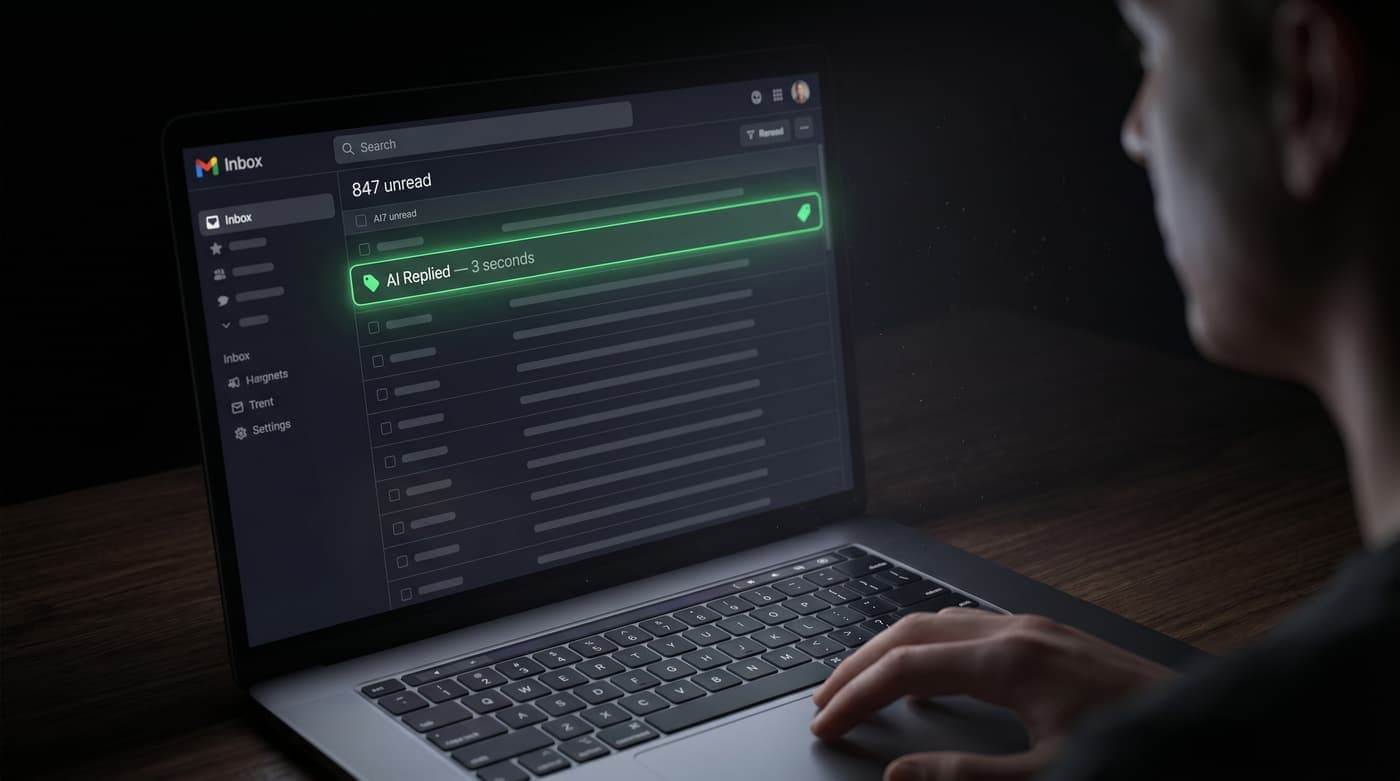
How to Automate Customer Support with AI for SMBs (Safely)
Customer support is often the heaviest operational lift for a growing small business. You want to provide immediate, helpful answers to your clients, but hiring a 24/7 support team is entirely out of the budget.
The question of how to automate customer support with AI for SMBs is one of the most critical topics of 2026. However, doing it incorrectly—by unleashing a fully autonomous, hallucinating chatbot on your customers—can permanently damage your brand's reputation.
The secret to successful AI customer support is a methodology known as "Human-in-the-Loop" triage.
The Problem with Autonomous Chatbots
Most entry-level AI chatbots operate as a black box. They ingest a prompt, read a document, and instantly reply to the user. When they work, they are magical. But when they fail—by misquoting a price, misunderstanding a nuanced complaint, or inventing a fake company policy—they create massive liabilities.
Small businesses cannot afford the reputational damage of a rogue AI.
Building a "Human-in-the-Loop" Triage System
To safely automate customer support, you must separate the process into three distinct phases: Ingestion, Triage, and Resolution.
Phase 1: Intelligent Ingestion
When a customer sends an email to [email protected] or submits a help desk ticket, an automation platform (like n8n) instantly catches the webhook.
Phase 2: AI Triage and Drafting
The automation sends the customer's exact message to a Large Language Model (LLM) equipped with your company's private knowledge base. The AI performs two tasks:
- Categorization: Is this a billing issue, a technical bug, or a general inquiry?
- Drafting: The AI writes a highly specific, empathetic response based on your established protocols.
Phase 3: Human Approval (The Loop)
This is the crucial step. Instead of emailing the customer directly, the automation sends the AI's drafted response to your team's internal communication channel (e.g., a specific Slack channel).
Your team sees the customer's original message and the AI's proposed reply. If the draft is perfect, a staff member clicks an "Approve" button, and the email is sent instantly. If it needs tweaking, they can edit it before sending.
The Results
By learning how to automate customer support with AI using the Human-in-the-Loop model, small businesses can achieve the best of both worlds. You get the blistering speed and comprehensive knowledge retrieval of an LLM, backed by the safety, empathy, and final judgment of your human staff.
It turns a 15-minute manual response process into a 15-second approval click, radically improving customer satisfaction while protecting your brand.
Ready to see this triage system in action? Check out our live automation examples and see how a "Human-in-the-Loop" workflow operates behind the scenes.