Operations
Yes, AI Can Take Your Meeting Notes and Update Your CRM Automatically
Stop spending 30 minutes after every client call typing notes into your CRM. Here's the exact workflow that does it for you in seconds.
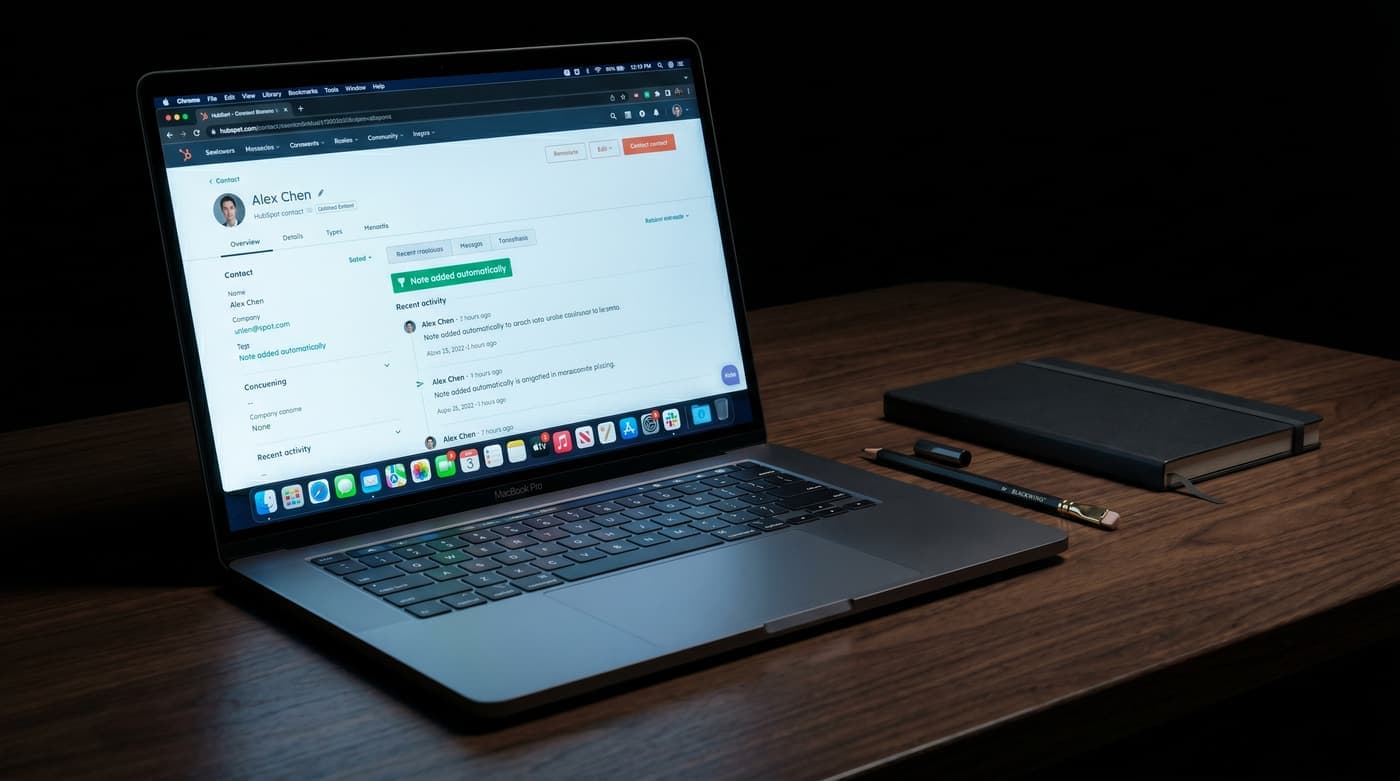
Yes, AI can take your meeting notes and update your CRM automatically
You just finished a 45-minute sales call. It went well. You close Zoom and take a breath.
But now you have to remember every decision, find the client's record in your CRM, type out a summary, and write a follow-up email with the specific links you promised. Your next call starts in 15 minutes. So you type two sentences that miss half the context, and that's how client details disappear.
In our experience, post-meeting admin is the part of the day that kills an hour for every three meetings you hold. It's not hard work. It's just relentless.
The automated post-meeting workflow
This isn't a bot that sits in your meeting and makes things awkward. It's a background workflow that runs the moment you hit "End Meeting."
Here's what happens:
- The meeting is recorded and transcribed automatically through whatever tool you already use: Zoom, Google Meet, or Teams.
- Once the transcript is ready, a private AI workflow reads it and pulls out the action items, key decisions, and any dates mentioned.
- It finds the right contact in your CRM (HubSpot, Pipedrive, Salesforce, or even a Google Sheet) and creates a clean, tagged note.
- It drafts a follow-up email with the next steps and the resources you discussed on the call.
- You get a Slack notification with the draft. You read it, edit if needed, click approve. It sends.
The whole thing takes about 60 seconds of your time.
The tools behind it
This doesn't require custom-built software. Modern business tools already talk to each other. The automation is a bridge between your meeting platform, your CRM, and your email client. The system moves the data so you don't have to.
It works whether you're on an enterprise CRM or tracking leads in a spreadsheet. The logic is the same either way.
You still approve everything
The obvious concern with automated client communication is getting something wrong.
This is why we build with human-in-the-loop design. The AI handles the part that's boring: summarizing, formatting, drafting. You handle the part that matters: reading it and deciding whether to send it. Nothing goes to a client without your approval.
What it actually saves
In our experience, a service business owner running 10 meetings a week loses around 5 hours a week to post-call admin. That's 20 hours a month. Half a work week, every month, spent typing.
Automate it and your admin time per meeting drops to about 60 seconds. You walk into your next call knowing the previous one is already documented and the follow-up is already drafted and waiting.
The note that doesn't write itself
Your CRM is only useful if it's up to date. Most aren't, because nobody has time to update them properly between calls.
If you want to see how this workflow operates in a real business, we've mapped out the full logic in our automation examples.
Or book a free AI consultation and we'll look at your current meeting setup and show you exactly what can be automated.