Operations
Workflow Automation for Small Business: A Practical Guide for 2026
The straight-line guide to finding, building, and running workflow automations that save time without handing control of your business to a black box.
You didn't start your business to spend Tuesday afternoons copying form submissions into a spreadsheet.
But that's where a lot of small business owners end up. The work that keeps the company running — following up on leads, chasing invoices, onboarding new clients, updating the CRM after calls — quietly takes over. Not because the business is failing. Because it's growing.
Workflow automation is the category of tools that handles those steps automatically. This guide covers what it actually is, which workflows are worth building first, what it costs, and where human judgment still belongs.
What a workflow is (and isn't)
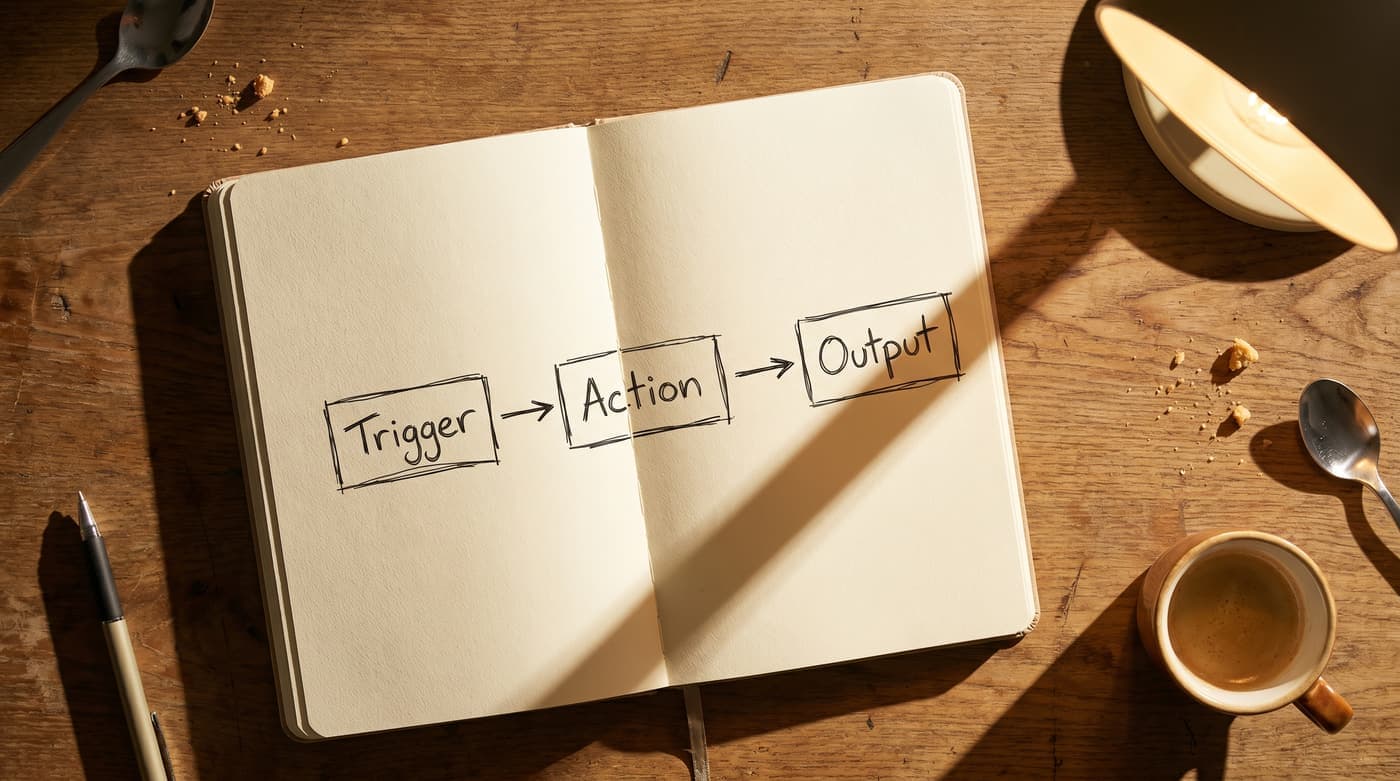
A workflow has two parts: a trigger and an action.
A new lead fills out your contact form — that's the trigger. Your CRM creates a contact, an SMS goes out within 60 seconds, and your Slack channel gets a notification — those are the actions.
Automation is software that connects those steps so they happen without anyone touching a keyboard.
What it isn't is magic. If your current process is broken — inconsistent rules, unclear ownership, data living in three different places — automation won't fix that. It will run the broken process faster and at higher volume. The work of mapping your process clearly comes before the work of automating it.
Map your process before you build anything
Write down three things for any task you're considering automating:
- What starts it — a form submission, a signed contract, an invoice reaching a due date, an email arriving with a specific subject line
- What happens next, in order — every step, even the ones that feel obvious
- Where it currently breaks — the step that gets skipped when things are busy, the place where someone has to chase someone else
The steps that are pure data transfer — moving information from one tool to another, sending a predictable message, creating a record — are the right candidates for automation. The steps that require judgment stay with a human.
Five workflows worth building first
These are the five automations we build most often for small service businesses. Most of them can be running within a week.
1. Lead capture to CRM plus instant follow-up
Tools: your contact form, n8n or Make, HubSpot or Pipedrive, Twilio or Gmail, Slack
What happens: a lead submits your form. A contact is created in your CRM with tags based on their answers. An SMS or email goes out within 60 seconds with a human-sounding first response. You get a Slack message with a summary of what they submitted.
Why it matters: contact rate drops by roughly 80% when the first response comes after 30 minutes. Most businesses are responding hours later. This puts you inside that window automatically.
2. Invoice follow-up sequence
Tools: QuickBooks or Xero, n8n, Gmail
What happens: invoice reaches three days past due. A polite reminder goes out automatically. Seven days past due, a second reminder with the payment link. Fourteen days past due, you get a Slack notification to step in personally.
Why it matters: the awkwardness of chasing money manually means most small businesses follow up too late, too inconsistently, or not at all. A clear automated sequence does it on schedule every time. Businesses that automate accounts receivable follow-up typically cut their days-sales-outstanding by 15 to 25%.
3. New client onboarding
Tools: DocuSign or PandaDoc, n8n, Google Drive, Gmail, Notion or Asana
What happens: contract is signed. Welcome email goes out immediately. Client folder is created in Google Drive. A project is opened in your project management tool. An onboarding questionnaire link is sent with a 24-hour follow-up if it hasn't been completed.
Why it matters: the first 48 hours after signing sets the tone for the entire client relationship. Dropped steps at this stage — no welcome email, no folder, no questionnaire — make clients feel like they made a mistake before the work has even started.
4. Post-meeting CRM update and follow-up draft
Tools: Zoom or Google Meet, n8n, HubSpot or Pipedrive, Gmail
What happens: meeting ends. Transcript is generated. An AI step reads it and pulls out the key decisions, action items, and any dates mentioned. A note is created in your CRM under the right contact. A follow-up email is drafted and sent to your Slack for approval. You read it, edit if needed, approve, and it sends.
Why it matters: nobody updates their CRM properly after meetings when they're busy. This does it automatically, and nothing goes to the client until you've read it.
5. Google Review request
Tools: your CRM or job management tool, n8n, Twilio or Gmail
What happens: a job is marked complete. Three-day delay. Review request sent by SMS. No response after five days, a follow-up by email.
Why it matters: review requests sent immediately after a completed job get a response rate three to five times higher than requests sent weeks later. Most businesses ask for reviews at the wrong moment — this asks at the right one, automatically.
What this actually costs
The platform that runs most of these workflows — n8n, self-hosted on a VPS — costs between $5 and $20 per month for the server. If any of your workflows include AI steps like meeting summarization, API costs typically run $10 to $30 per month at normal small business volumes.
Total ongoing cost: $15 to $50 per month.
This is the number worth understanding before you talk to an agency. When a firm builds your automation on a closed platform and charges a $2,000 monthly retainer, the gap between what your automation costs to run and what you're paying is almost entirely margin.
We call the alternative the Glass Box model: build on infrastructure you own, hand you the keys, and let your ongoing cost be the actual server and API bills. You buy the system. You don't rent it.
Where human judgment still belongs
There's a clear line between automation that's safe to run fully automatically and automation that should stop and wait for a human.
Things like creating records, moving data between systems, and sending internal notifications can run without anyone watching. Anything that touches a client directly — outbound messages, dollar amounts, anything that could be embarrassing if it went to the wrong person — should have someone read it first.
The system does the reading, categorizing, and drafting. The human reads the output and decides whether to send. You get the time savings without the risk of an automated message landing badly.
Frequently asked questions
How long does it take to set up workflow automation for a small business?
Simple workflows — lead capture, invoice reminders, review requests — can be built and tested in a day or two. Workflows with AI steps, like meeting note summarization, typically take three to five business days including testing. The mapping process upfront takes one to two hours and is the most important part of the whole build.
What does managing this actually look like day to day?
The workflows run in the background. Most of the time you're not touching them. A Slack notification comes in, you read a drafted message, you approve or edit and send. If a connection breaks (usually because a tool pushed an update), it's a quick fix, not a crisis.
What's the difference between n8n, Zapier, and Make?
Zapier and Make are cloud-hosted and charge per task or per operation. At low volumes they're convenient to get started with. At higher volumes — a few hundred operations a month or more — the costs compound quickly. n8n can be self-hosted, which means your monthly cost is your server bill regardless of task volume. For most small businesses that move past the experimenting stage, self-hosting works out significantly cheaper.
What if the automation makes a mistake?
Design approval steps into anything client-facing. Every workflow we build includes a notification step before any external message goes out. For internal automations — updating a CRM record, creating a folder — mistakes are low-stakes and easy to correct. The risk is much lower than most people expect before they've run an automation for the first time.
Can I automate my customer support?
Yes, with limits. It reads the email, works out what the person needs, and pulls together a draft reply from how you've handled similar requests before. What it shouldn't do is send those replies automatically for anything complex or emotionally sensitive. High-volume simple requests — appointment confirmations, basic FAQs — can be fully automated. Anything requiring judgment or relationship management should include a human approval step.
How do I know which process to automate first?
Start with the one that breaks most often or costs the most time when it breaks. Usually that's the lead follow-up — the prospect who submits a form and doesn't hear back for three hours, or ever. Fix one thing fully before trying to automate everything.
If you want to see how these workflows look in practice before committing to a build, we've mapped out the full logic in our automation examples.
Or book a free AI consultation and we'll go through your current processes and tell you which ones are actually worth automating.